See BYKT in Action
Screenshots from the actual application.
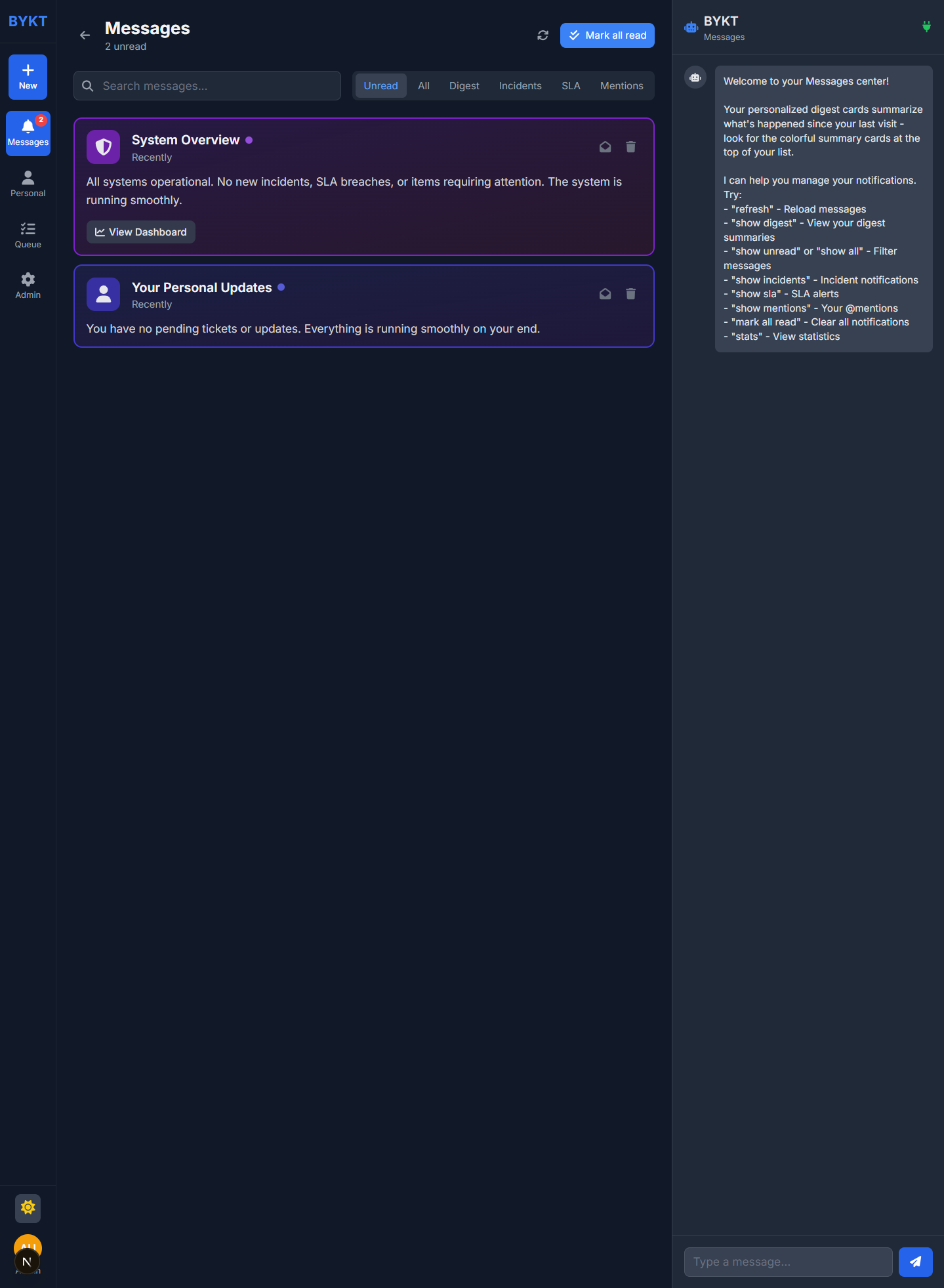
Dashboard with AI Canvas
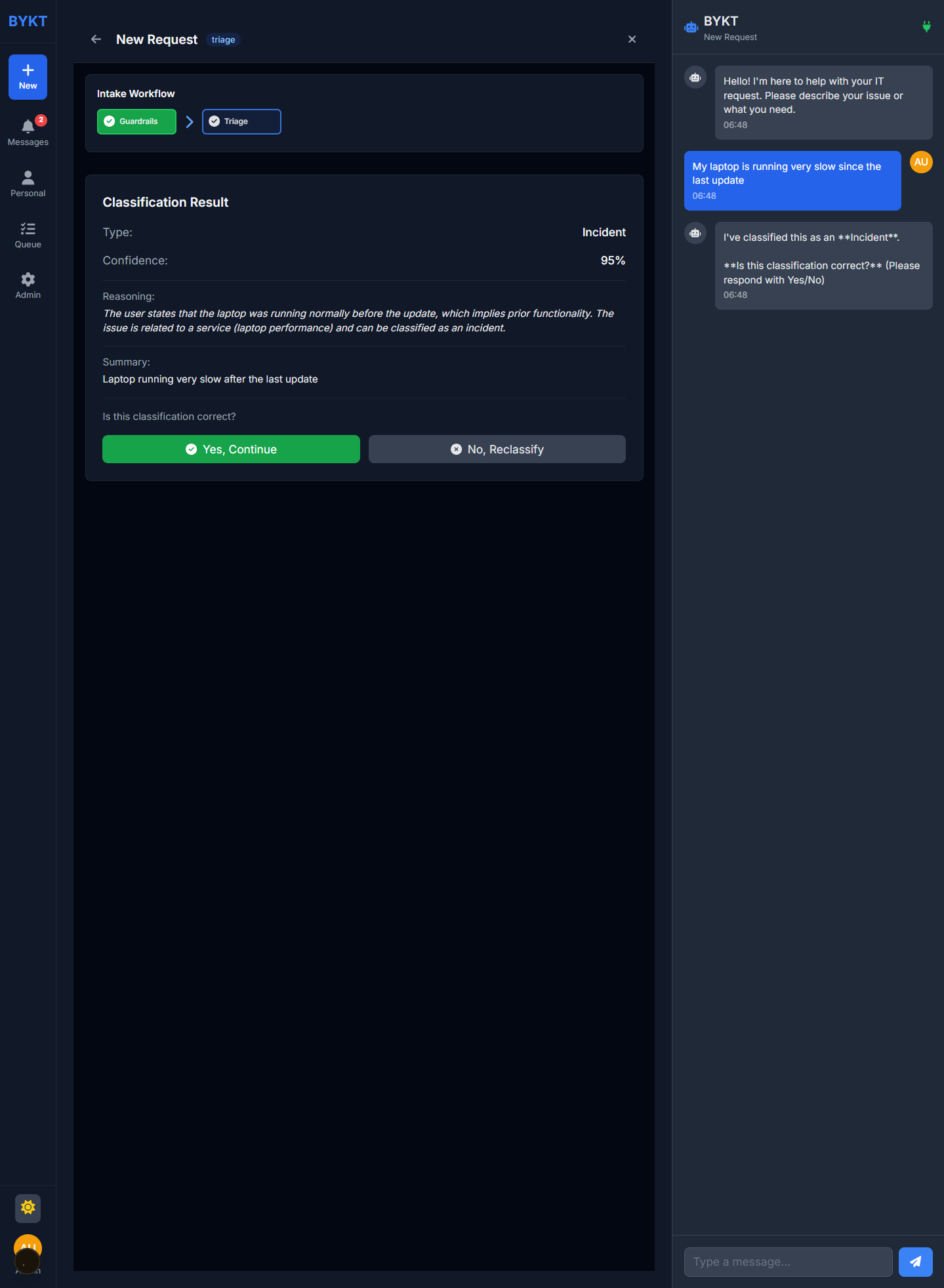
AI Triage Classification
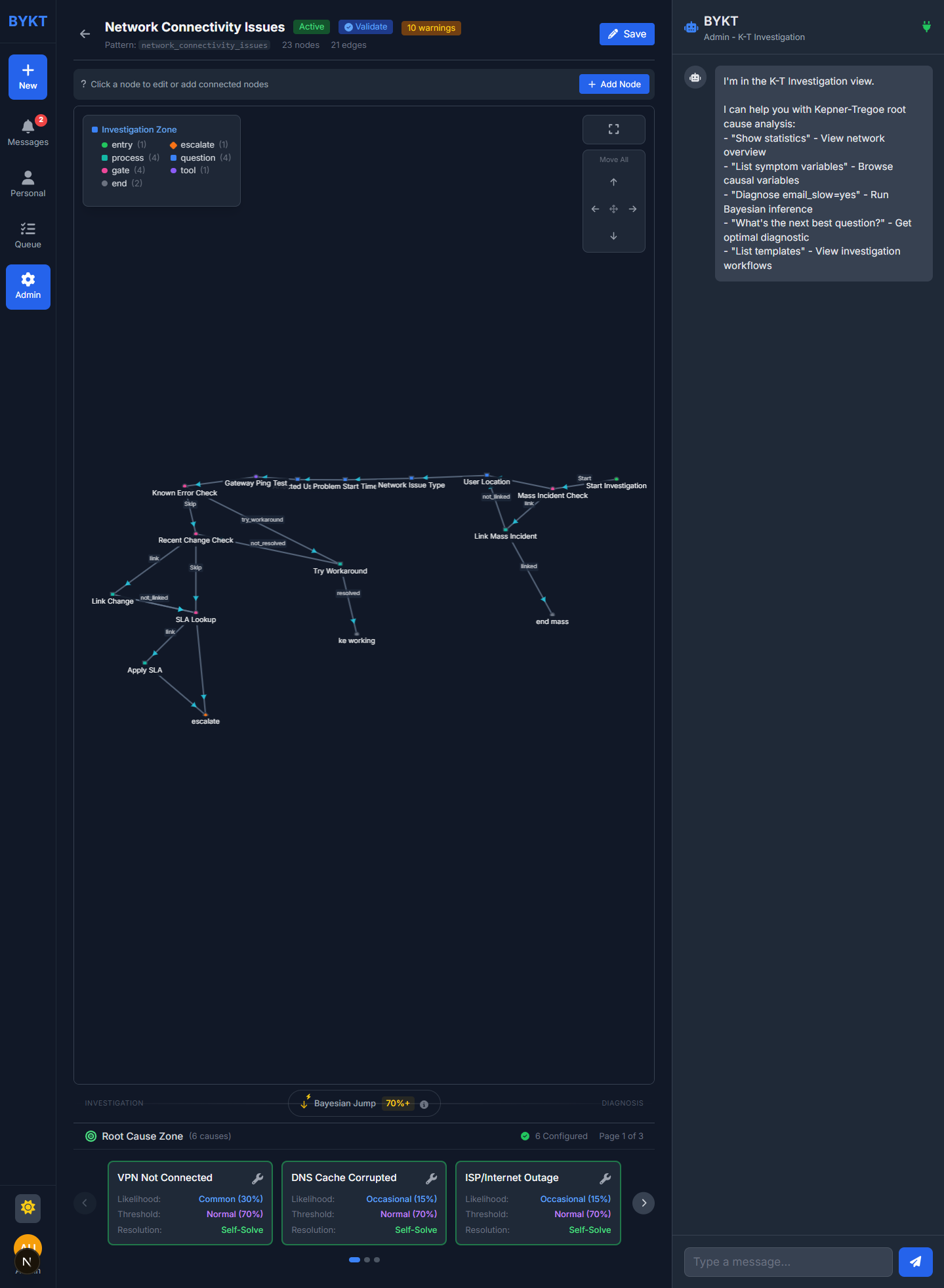
Bayesian Network Editor
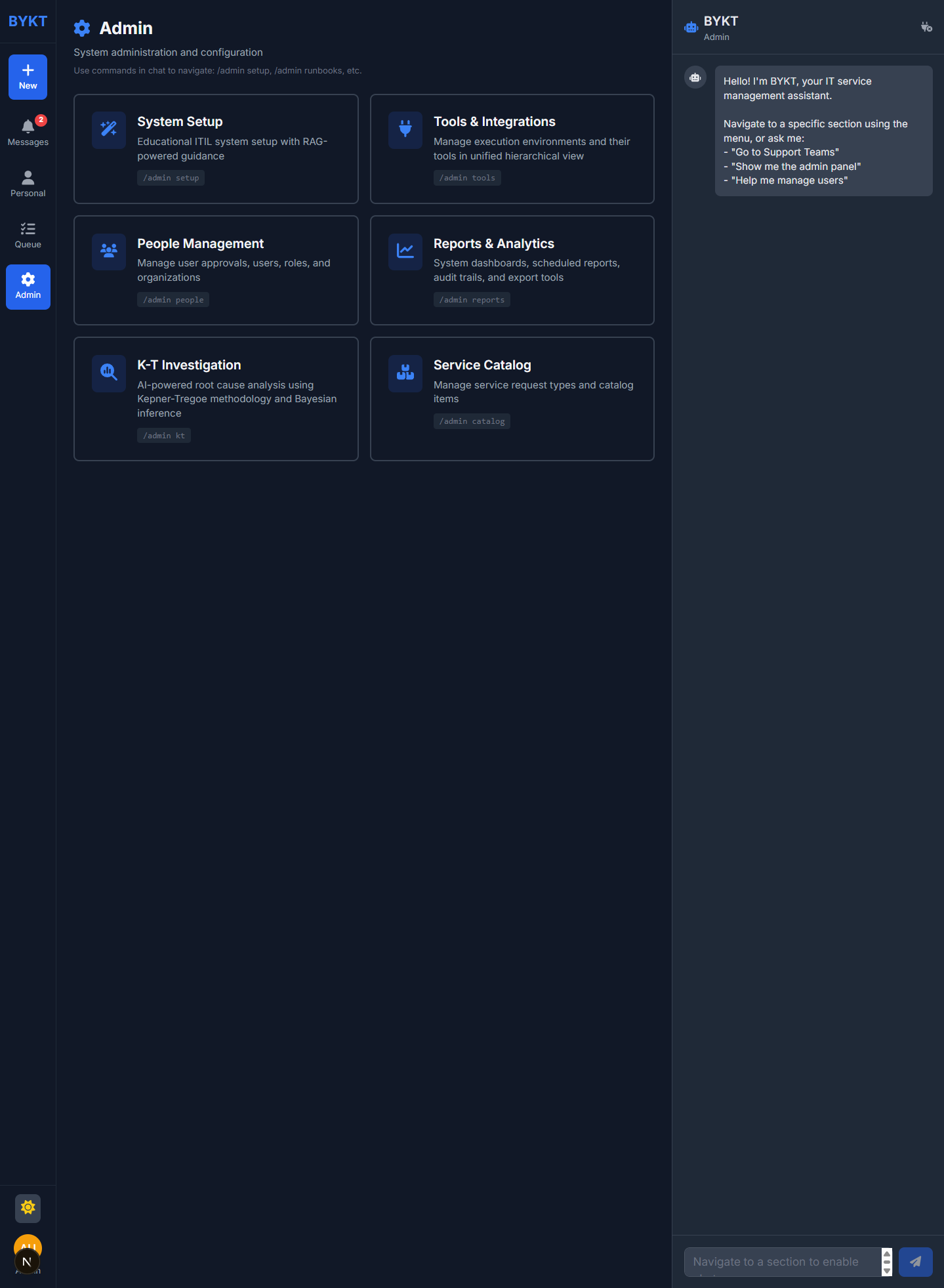
Admin Panel
Understand the core principles and start using BYKT's AI-powered IT service management.
admin
admin
BYKT combines three powerful methodologies to revolutionize IT service management.
BYKT uses probabilistic reasoning to diagnose issues. As you answer questions, the system updates its confidence in different root causes, guiding you to the most likely solution faster.
Confidence updates in real-time based on symptoms
A structured approach to problem-solving developed by Kepner and Tregoe. BYKT uses K-T's four phases: Situation Analysis, Problem Analysis, Decision Analysis, and Potential Problem Analysis.
No more hunting through endless menus. BYKT's AI canvas understands context and responds to natural language. Just describe what you need - the system handles the complexity.
What you can do with BYKT right away.
Describe your issue naturally. BYKT extracts entities, classifies the request, and routes it appropriately.
Ask "show stats" or "how many incidents this week?" - get instant analytics without navigating dashboards.
The system asks the optimal next question to narrow down root causes, using Bayesian inference.
Pre-built K-T templates for common issues like network problems, printer issues, and software requests.
Personalized digest cards summarize what happened since your last visit - no notification overload.
BYKT teaches ITIL as you work. Learn why incidents differ from service requests through contextual guidance.
Screenshots from the actual application.
After logging in, try typing these in the chat:
"show stats"
View statistics
"help"
See available commands
"My laptop is slow"
Start an incident
"refresh"
Reload current view